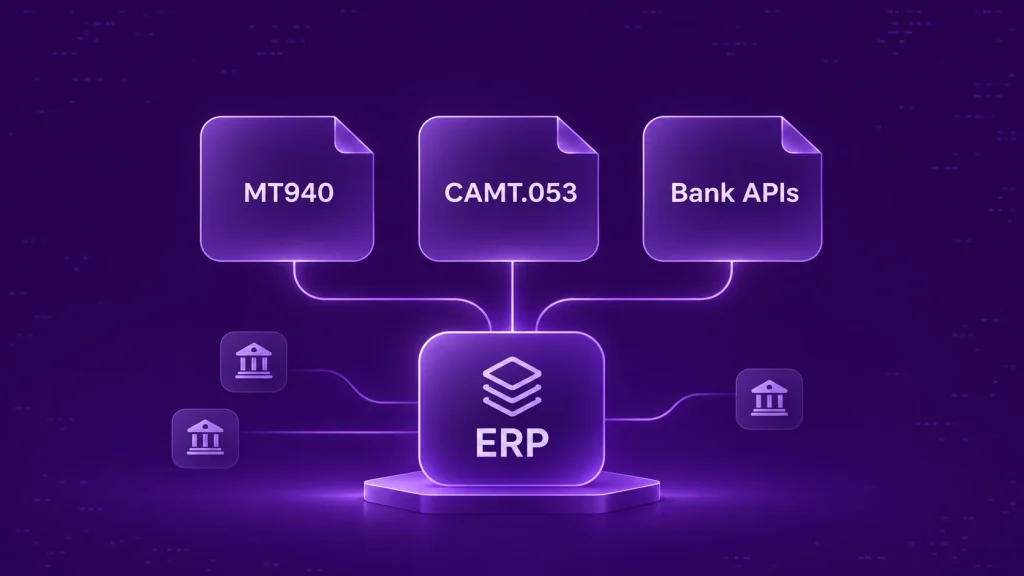
An ERP team has finished configuring bank reconciliation. The bank sends statements, the finance team imports them and the accounting system matches entries. Then a second bank is added. Its file has different reference fields, dates and transaction descriptions. A third bank offers an API instead of the file the ERP team expected.
The project is no longer just about importing statements. It’s about deciding how bank transaction data reaches the ERP, what information survives the journey, and who handles exceptions when something goes wrong.
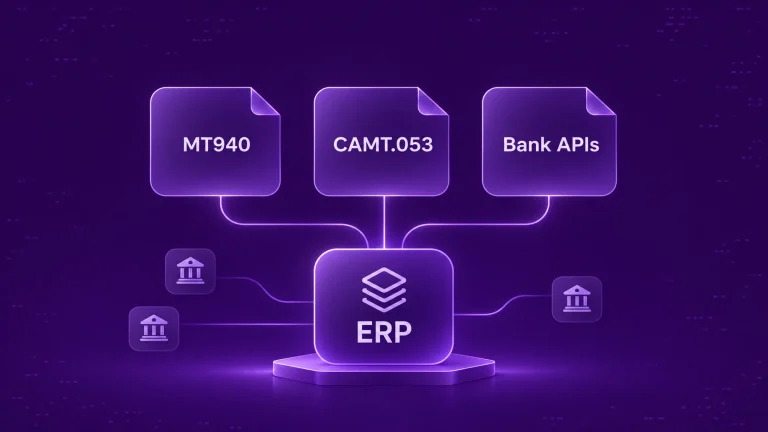
Three terms come up in that discussion: MT940, camt.053 and bank APIs. They aren’t three interchangeable formats. MT940 and camt.053 describe statement messages; an API is a way to exchange data. Understanding the difference helps Indian finance and ERP teams choose an integration that works across their actual banking relationships.
At a glance
- MT940 is a structured, tag-based customer account statement message.
- camt.053 is an ISO 20022 XML bank-to-customer statement message, with version-specific schemas.
- Bank APIs are delivery and integration interfaces; their payloads and services vary by bank.
MT940, camt.053 and bank APIs: the basic difference
MT940 and camt.053 describe what a bank statement contains. A corporate bank API defines how an authorised application requests or receives banking information. The two can overlap: an API can return JSON transaction objects, while a file-based connection may deliver MT940 or camt.053. Many banks offer more than one approach.
In India there’s often a fourth option in practice. Many banks still deliver statements as CSV or Excel files in their own layouts, so an ERP team may be handling bank-specific spreadsheets alongside standard formats.
| Option | What it is | Typical ERP consideration |
|---|---|---|
| MT940 | SWIFT customer statement message with tagged fields | Parse statement lines and references; handle bank-specific variations |
| camt.053 | ISO 20022 XML bank-to-customer statement | Agree the schema version and map structured entries |
| Corporate bank API | Authenticated interface for balances, transactions or statements | Integrate endpoints, permissions, pagination, response schemas and retries |
| Bank-specific CSV or Excel | Statement export in the bank’s own column layout | Separate mapping for each bank, and fragile when the layout changes |
What is MT940?
MT940 is a widely used customer statement message in the SWIFT MT family. It contains account identification, statement references, opening and closing balances and booked transaction entries. Its tags include :25: for account identification, :61: for statement lines and :86: for information to the account owner.
For ERP teams, the attraction is familiarity. Existing accounting systems, bank integrations and parsers often already handle MT940. But a parser that accepts one bank’s statement may still need configuring for another bank’s transaction codes and narrative fields.
In Indian statements, the reference finance needs is often buried in the narration. An NEFT credit might arrive as NEFT-HDFCN52026111912345-ACME SUPPLIERS (an illustrative example), with the UTR and payer name packed into one field. Another bank may order those parts differently or cut them short. If a reconciliation rule expects a clean invoice number or UTR but gets a truncated, combined narrative, the transaction stays unmatched. Test with real statement samples, including credits, reversals, charges and returns.
What is camt.053?
camt.053 is an ISO 20022 BankToCustomerStatement message. It’s usually represented as XML and organises statement data into defined elements such as account details, balances, entries and related transaction information. The ISO 20022 catalogue lists camt.053 versions and their schemas.
Its structured model makes detailed data mapping easier when the bank fills in the relevant fields. That doesn’t mean every camt.053 file contains every possible reference. Banks may use different message versions, optional elements and implementation rules, and the exact XML schema used by the ERP and the bank must agree.
Don’t treat “ISO 20022 supported” as a complete specification. Ask for the camt.053 message version, sample files, the bank’s usage guidelines and an agreed mapping for account IDs, entry amounts, dates, references, charge information and reversals.
What changes when you use a corporate bank API?
A bank API lets an authorised system exchange information with a bank through defined endpoints and security controls. Depending on the bank and the services enabled on the account, an API may offer balances, transaction history, statements, payment initiation or payment status. It may return structured JSON, XML or another documented response format.
Unlike MT940 and camt.053, an API isn’t itself a standard statement schema. Two banks may expose similar services but use different authentication, field names, date filters, pagination methods, service windows or entitlement processes.
APIs reduce the need for staff to download and upload files by hand, but API doesn’t automatically mean instant, complete or continuous data. Some services refresh periodically, return only limited history or leave out certain transaction fields. Robust integrations still need monitoring, error handling and recovery steps. Our corporate banking API integration guide covers the wider ERP-to-bank architecture.
MT940 vs camt.053 vs APIs: what should your ERP team compare?
| Decision factor | MT940 | camt.053 | Bank API |
|---|---|---|---|
| Data representation | Tagged text statement | Structured XML statement | Bank-defined response payload |
| Delivery | Usually file or message transfer | Usually file or message transfer | Request to an endpoint, or an event notification |
| ERP work | Parser and bank-specific mapping | XML schema version and mapping | Authentication, endpoints and field integration |
| History and timing | Set by the bank delivery agreement | Set by the bank delivery agreement | Set by the endpoint, permissions and refresh policy |
| Reference detail | Often spread across tags and narration | Structured fields, when populated | Varies by bank response |
| Operational risks | Missing or duplicate files; parsing variance | Version mismatch; optional fields left empty | Timeouts, pagination, rate limits, expired credentials |
An Indian ERP example: five banks, three statement channels
Imagine a hypothetical manufacturer running SAP Business One or Oracle Fusion Cloud ERP, with eight current accounts across five Indian banks. Two banks send scheduled MT940 statements. One sends camt.053 files. Two offer authorised transaction APIs. The company wants one consistent bank-to-ledger process.
A workable design brings every source into a common data structure while keeping the original evidence. It should preserve the bank account and legal entity, booking and value dates, debit or credit, amount, currency, transaction reference, narration and a traceable source identifier.
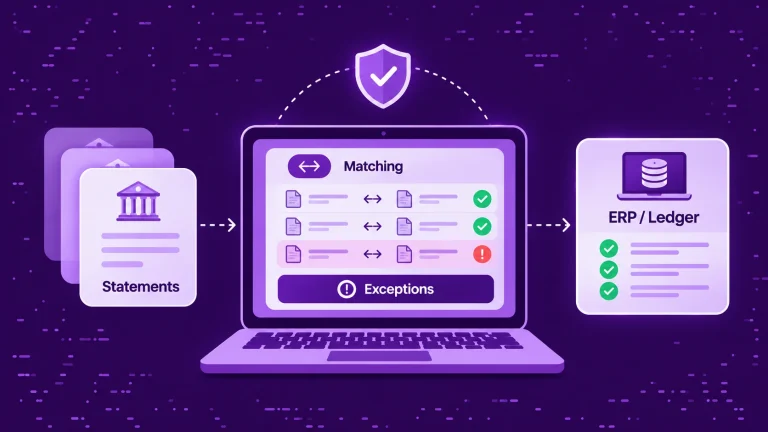
The accounting system can then apply its own matching rules to those records. For example, suppose one bank’s MT940 narration truncates invoice numbers. In a hypothetical first-month reconciliation, 30 entries might remain unmatched because the required references cannot be extracted reliably. That’s exactly what the design should surface, as a visible data-quality exception, rather than hiding it behind a claim that every bank has been integrated.
Seven questions to ask before choosing the integration
- Which accounts and services are enabled? Get a bank-by-bank matrix, not just a list of bank names.
- What is the exact source format? Confirm MT940 variants, camt.053 versions, API payload schemas or bank-specific CSV layouts.
- Which transaction fields are populated? Check references, narration, charges, dates, reversals and opening and closing balances.
- How fresh and complete is the data? Test weekends, holidays, delayed postings, overlapping date ranges and historical access.
- How are failures recovered? Specify retries, missing-day alerts, deduplication and backfills.
- Who owns matching and sign-off? Separate the bank-data layer from ERP reconciliation and financial controls.
- What does onboarding require? Confirm account consent, bank permissions, ERP configuration, testing and ongoing support.
Ask your implementation team to run a pilot with real examples from two different banks. Include a payment return, a bank charge, a bulk payout, a zero-transaction day and at least one missing statement period. Success isn’t “file imported”; it’s “the right data reached the right account, and the exceptions make sense”.
Bank connectivity isn’t the same as reconciliation
An ERP may already handle bank statement imports and matching rules. A connectivity layer focuses on retrieving and delivering usable bank data across accounts. A reconciliation function compares that data with ledger entries and manages the differences. Neither should be assumed from the other.
For finance teams evaluating the end-to-end process, our bank reconciliation software guide covers matching, exceptions and close controls, and our payment reconciliation guide explains how references like the UTR carry a payment through to the statement.
Where OPEN Connected Banking fits
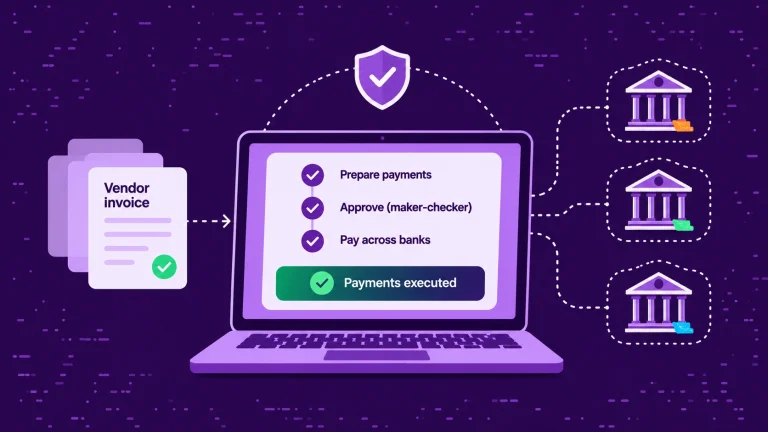
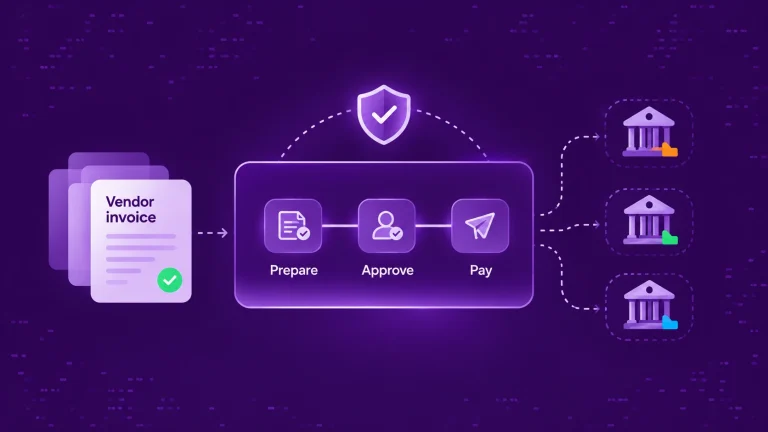
OPEN Connected Banking helps businesses access supported balances, statements and payment workflows through a common platform, with connectivity across 40+ Indian banks. Its ERP integrations include SAP Business One, Oracle Fusion Cloud ERP, NetSuite, Microsoft Dynamics 365 Business Central and TallyPrime.
For an ERP team, the value of a common connectivity layer is not having to build and maintain a separate integration for every bank. The exact data fields, history, account services and refresh behaviour still need confirming for the banks and integrations in scope.
OPEN acts as a banking connectivity layer rather than a standalone reconciliation engine or dedicated statement-format converter. Its supported ERP integrations can bring bank statement data into existing finance workflows, while matching rules, accounting adjustments and reconciliation sign-off depend on the ERP and configured integration. A product walkthrough will show how those responsibilities are divided in your environment.
Different banks, different statement formats. One ERP to feed.
Explore how OPEN can help bring supported bank statement data into your existing ERP workflow, with actual fields and services validated for your accounts.
A practical implementation sequence
- Inventory: list entities, bank accounts, current statement channels and reconciliation owners.
- Specify: record the required fields and an agreed ERP transaction-data model.
- Validate: get sample MT940, camt.053, CSV or API records and map them against real ledger entries.
- Test exceptions: simulate delays, duplicates, failed calls, returns and incomplete references.
- Deploy with controls: confirm access permissions, monitoring, audit evidence and fallbacks.
- Measure outcomes: track missed statement days, unmatched entries, manual file handling and reconciliation time.
Frequently asked questions
Is camt.053 a replacement for MT940?
camt.053 is a newer ISO 20022 statement message that serves similar reporting needs, but moving to it depends on bank support, agreed versions and ERP compatibility. MT940 is still widely used.
Are MT940 and camt.053 APIs?
No. They’re statement message formats. A bank or connectivity provider can deliver them by file transfer or another agreed channel; an API is an interface for exchanging information.
Do corporate bank APIs always provide real-time transactions?
No. Data frequency, available fields, account permissions and statement history vary by bank and service. Check the actual refresh and posting behaviour for each account you need.
Which option is best for SAP, Oracle, NetSuite or Business Central?
It depends on the ERP version, existing bank interfaces, available file parsers, API availability and your operational requirements. Test the bank-to-ERP flow before committing to one approach.
Will a bank API automatically reconcile transactions in my ERP?
Not by itself. Bank-data access supplies the transaction information; automated matching, exception handling, adjustments and sign-off sit with the ERP or reconciliation system and its configuration.
Choose the data flow that works across your banks
There’s no universal winner between MT940, camt.053 and corporate bank APIs. A reliable implementation uses the channels each bank actually offers, keeps the information finance needs and gives the ERP consistent transaction data for reconciliation.
Before adding a new bank or changing a statement format, ask one practical question: will the finance team get complete, traceable bank transactions in the accounting system without another manual workaround? That’s the outcome the integration should be designed to deliver.
What if your banks sent usable data into the ERP you already use?
Explore how OPEN connects supported bank balances and statements across your existing accounts, with banking services and ERP integration scoped to your setup.